How it works Try it Features Screenshots FAQ Launch web app Download
Free · Offline · On-device

Turn any message into symbols — and back.

The Johcrazy Cipher App encodes your text, emojis and fancy fonts into dense, unreadable symbols, then decodes them right back. No account, no servers, no fuss.

Android Windows Linux
Stays on your device
Works fully offline
100% free, no ads
Instant, no account
How it works

Three taps from plain text to secret symbols

Encoding and decoding are perfectly reversible — anyone with the app can read what you send, and no one else can make sense of it.

1

Type your message

Write anything — letters, numbers, emojis, even mixed decorative fonts. Paste in whatever you like.

2

Tap Cipher

The app scrambles it into a wall of dense symbols. Optional randomization means the same text can look different each time.

3

Share & Decipher

Send the symbols anywhere. On the other end, one tap on Decipher restores your exact original message.

Try it now

The full app, right here in your browser

No install needed — this is the real Cipher app running live. Type a message, tap Cipher, and share the symbols.

cipher.johcrazy.com/cipher Open full screen

Runs entirely in your browser and works offline once loaded. First load fetches the app engine, so give it a moment.

Features

Small app, surprisingly capable

Everything you need to scramble a message and get it back — and nothing you don't.

Reversible symbolic cipher

Encode to symbols and decode back with a perfect, lossless round-trip. What goes in comes out exactly.

Randomized output

Turn on randomization so the same message produces different-looking ciphertext every time.

Emoji & font friendly

Emojis and decorative Unicode fonts survive the trip intact — your 🤫 stays a 🤫.

History tracking

A Recent Messages log keeps your past ciphers and decodes a tap away when you need them again.

One-tap share

Send ciphertext straight to any chat app through the system share sheet — no copy-paste dance.

Light & dark themes

Auto-brightness plus manual light/dark switching, so it's easy on the eyes day or night.

A look inside

Clean on desktop, comfy on mobile

The same simple flow across every platform.
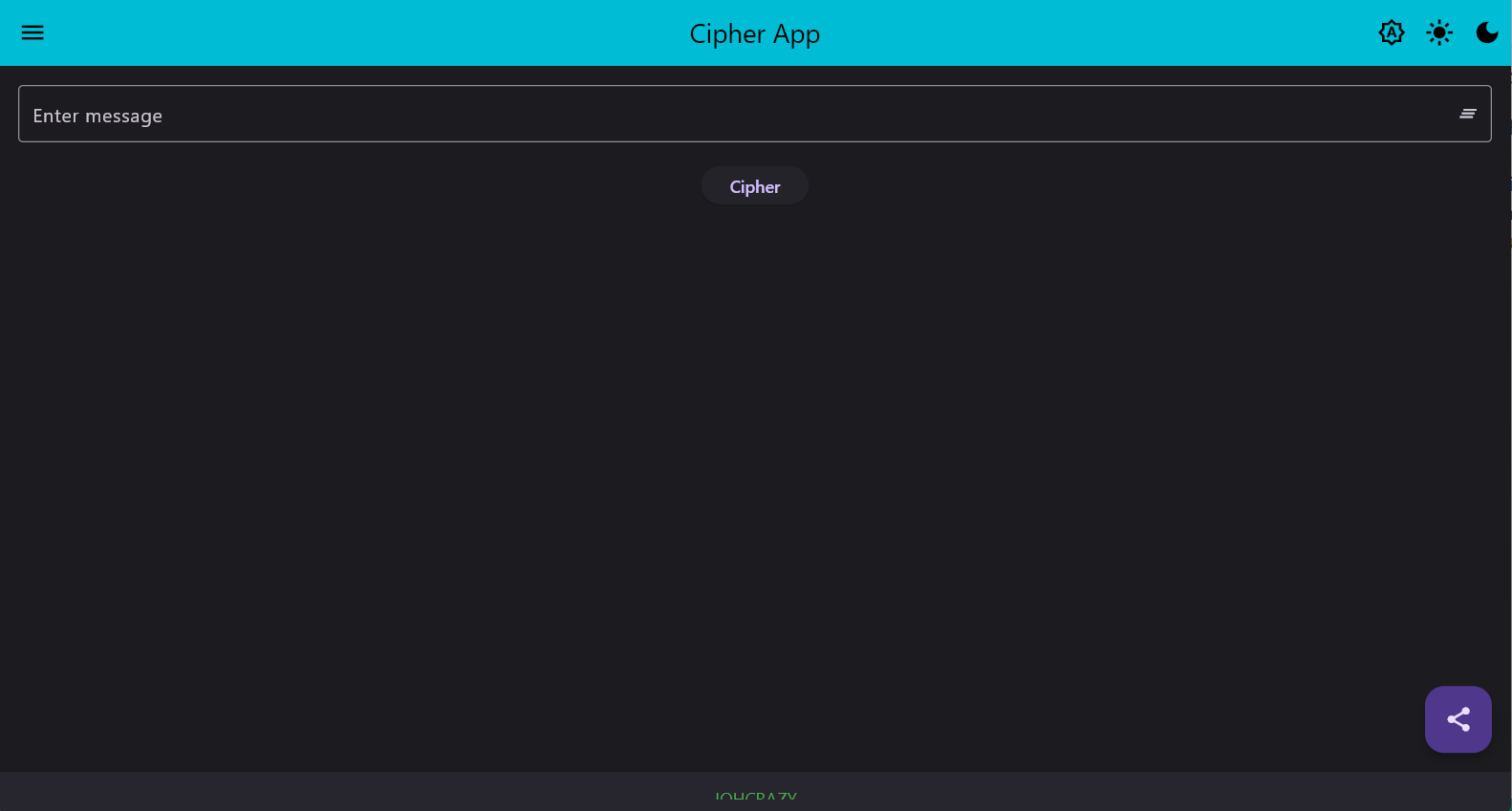
Cipher App on desktop with a message input and Cipher button
Desktop — type a message, hit Cipher
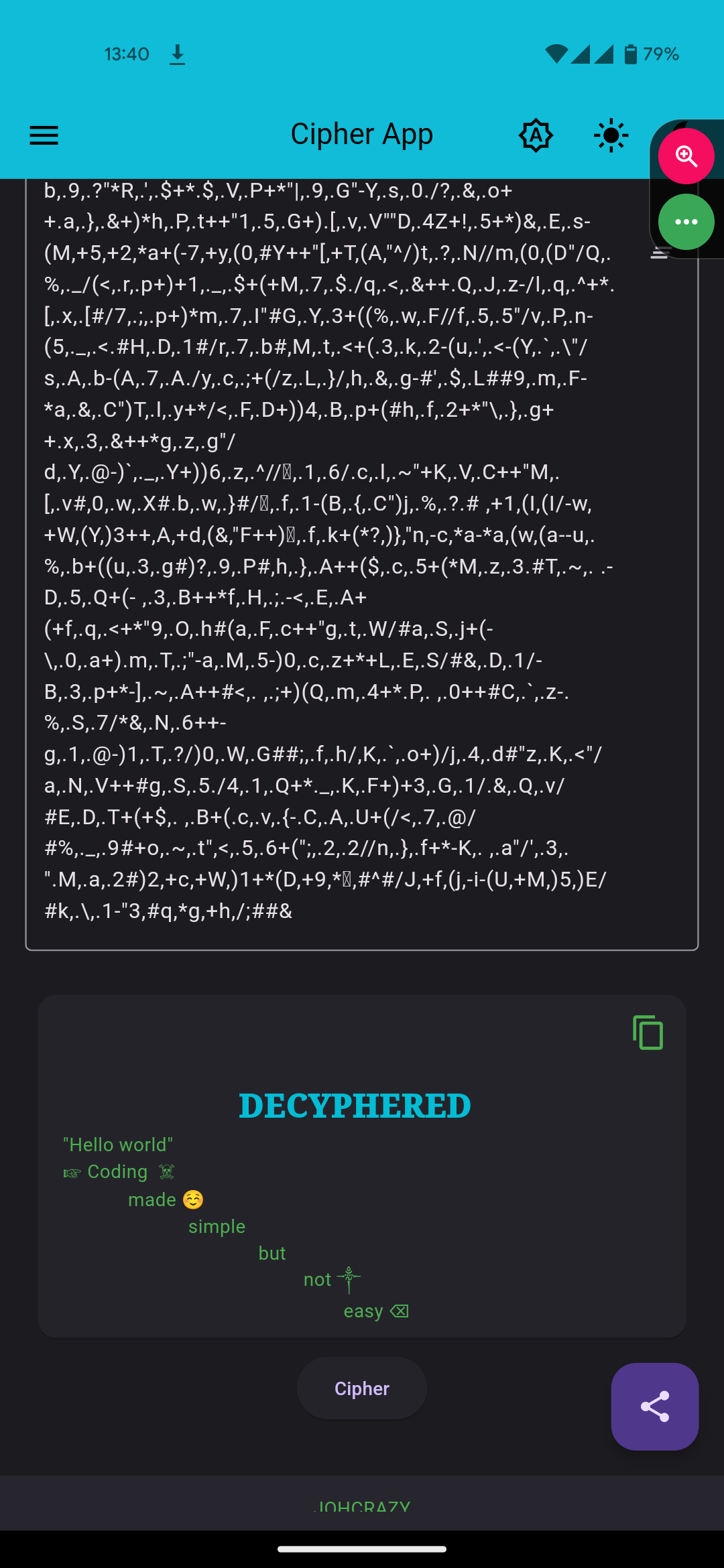
Decyphered output showing the restored original message with emojis
Decyphered — original text restored
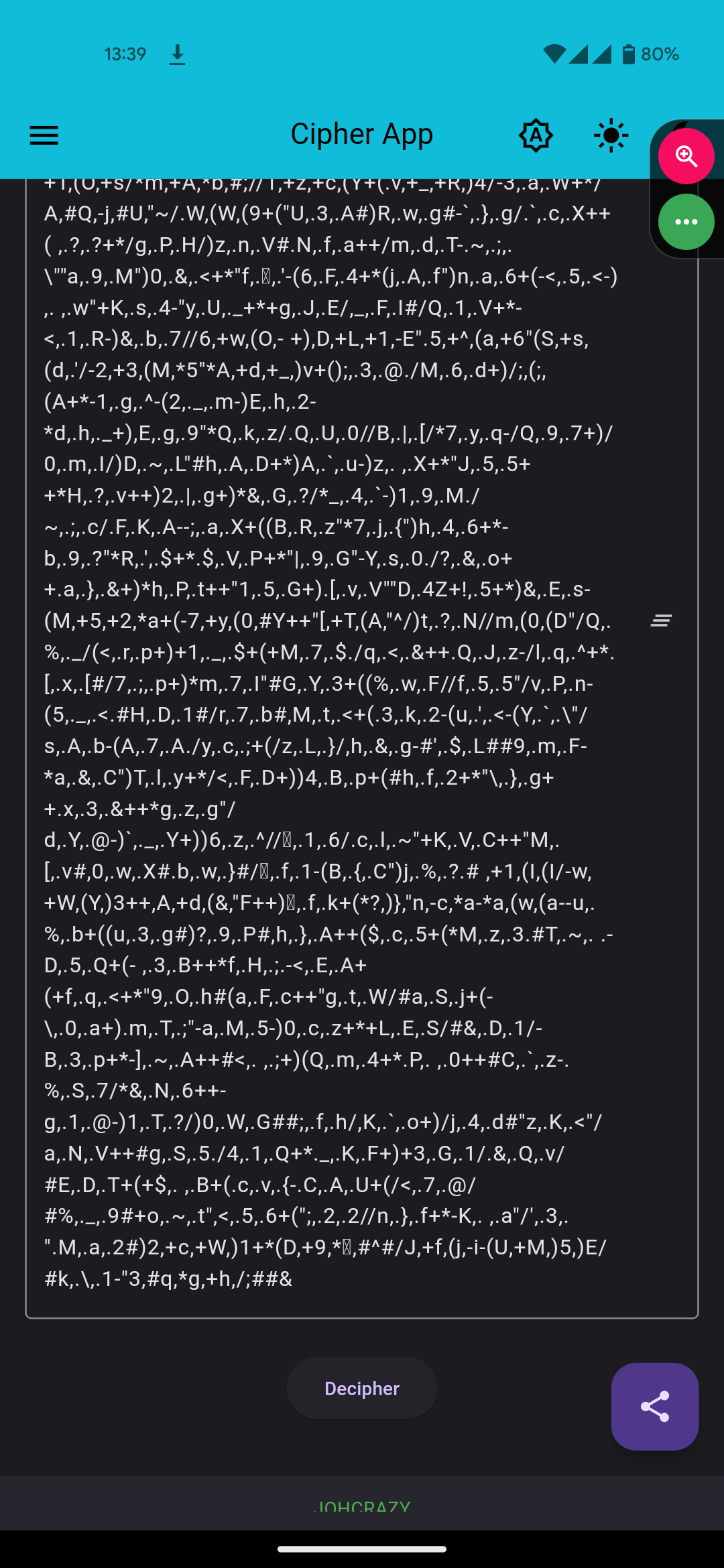
Mobile screen full of ciphered symbols with a Decipher button
Ciphered — a wall of symbols
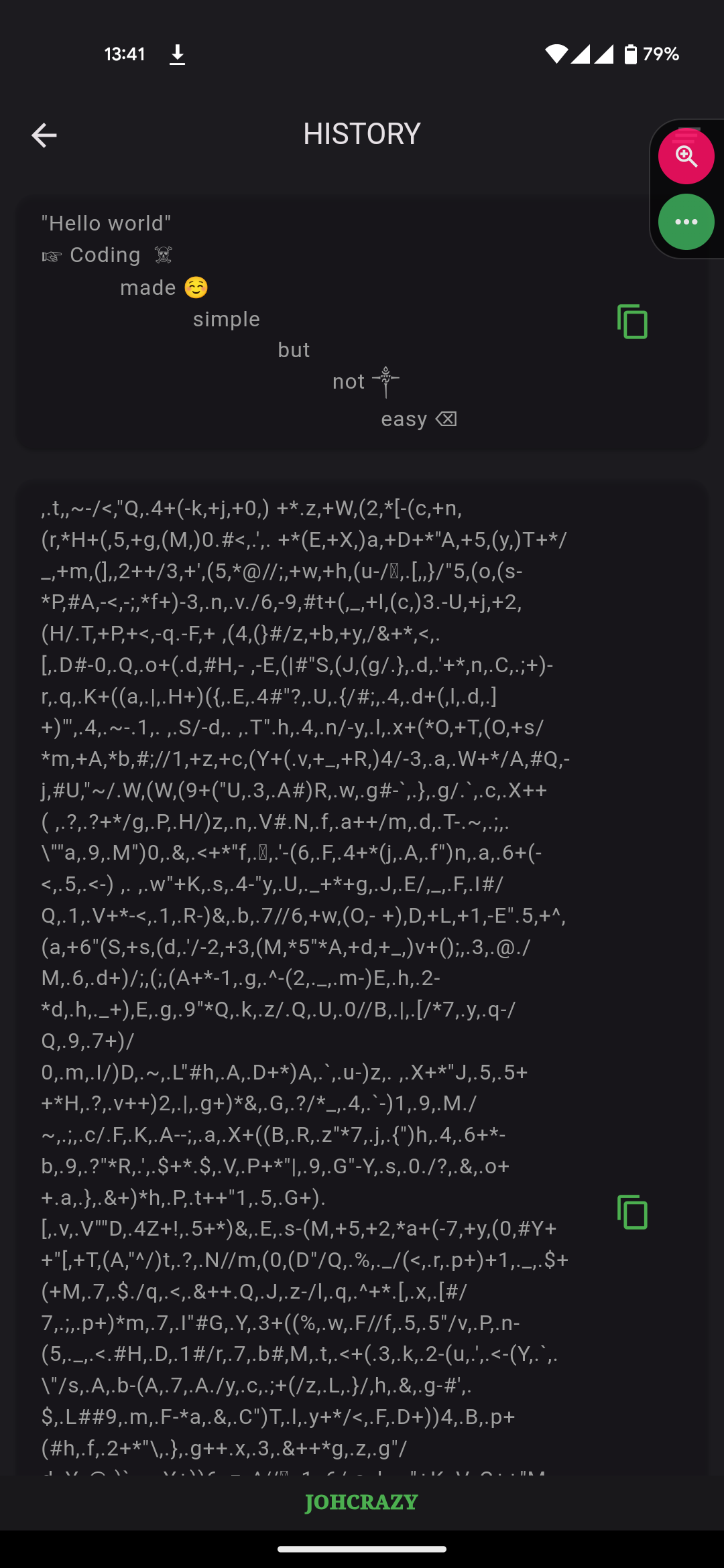
History screen listing previous decoded and ciphered messages
History — revisit past messages
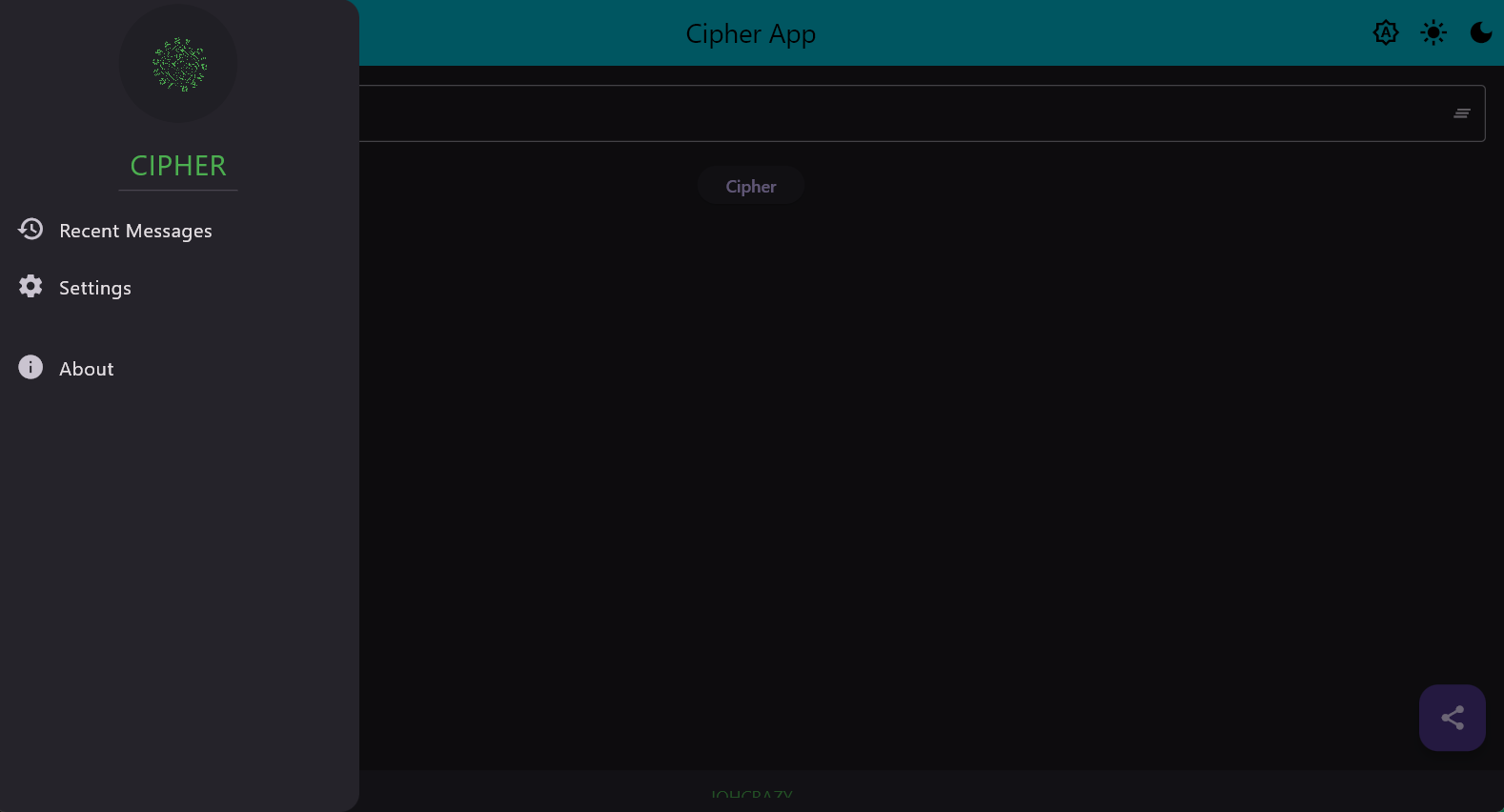
Desktop side drawer with Recent Messages, Settings and About
Menu — recent, settings & about
Get the app

Download Cipher App

Pick your platform and start scrambling messages in seconds. It's free.

Android

APK · Android 6.0+

Download APK

Windows

Desktop build · Windows 10+

Download for Windows

Linux

Desktop build · most distros

Download for Linux
Rather not install anything? Launch the web app

Builds are hosted on Google Drive. On Android you may need to allow installs from unknown sources.

FAQ

Good questions, quick answers

Is it really free?
Yes — completely free, with no ads and no account required. Download it and start using it right away.
Does my message get sent anywhere?
No. Ciphering and deciphering happen entirely on your device. The app works offline and doesn't upload your text to any server.
How secure is this, really?
Cipher App is built for fun, privacy from casual snooping, and obfuscating messages so they're unreadable at a glance. It's a lightweight cipher — great for keeping things private in everyday chats, but not a replacement for audited end-to-end encryption when lives or serious secrets are on the line.
Can I decode a message on a different device?
Yes. Anyone running Cipher App can paste the symbols and tap Decipher to read the original message — across Android, Windows and Linux.
Do emojis and special fonts survive?
They do. Emojis, symbols and decorative Unicode fonts are preserved exactly through the encode/decode round-trip.